Bristol_Jonesey
-
Posts
1,359 -
Joined
-
Last visited
-
Days Won
2
Everything posted by Bristol_Jonesey
-
 Or simply right click the synth icon and choose Replace Synth
 -
Audio slide completely ruins arrangement of audio
Bristol_Jonesey replied to HuddahBuddha's topic in Cakewalk by BandLab
Mark explained above why this might not work -
Yep, leave all older versions intact. If it ain't broke....................
-
Or it could be you need to press the scroll lock key on your keyboard
-
One thing to bear in mind if you're dasiy chaining compressors. The ratio settings that you dial in will in effect be multiplied So if your first comp is set at 5:1 and your 2nd at 3:1, the overall effect on the signal is 15:1
-
No
-
Good for you. But do you realise this thread is 3 1/2 years old?
-
Fading on Midi or Instrument tracks
Bristol_Jonesey replied to iZiKKO's topic in Cakewalk by BandLab
GREAT first post ? -
You probably want to take a look at track templates
-
Articulation Map Chase Mode
Bristol_Jonesey replied to Alastair Cardwell's topic in Cakewalk by BandLab
Just insert a new artic further down the timeline, or extend the length of the last one. -
Send an email to support@cakewalk.com to sort out your password
-
Do ctrl + end to to find out where it thinks the project ends Then select the entire range of tracks between where you want it to end and where it does end Switch on Ripple Edit All Press delete Switch Ripple Edit OFF (Important!)
-
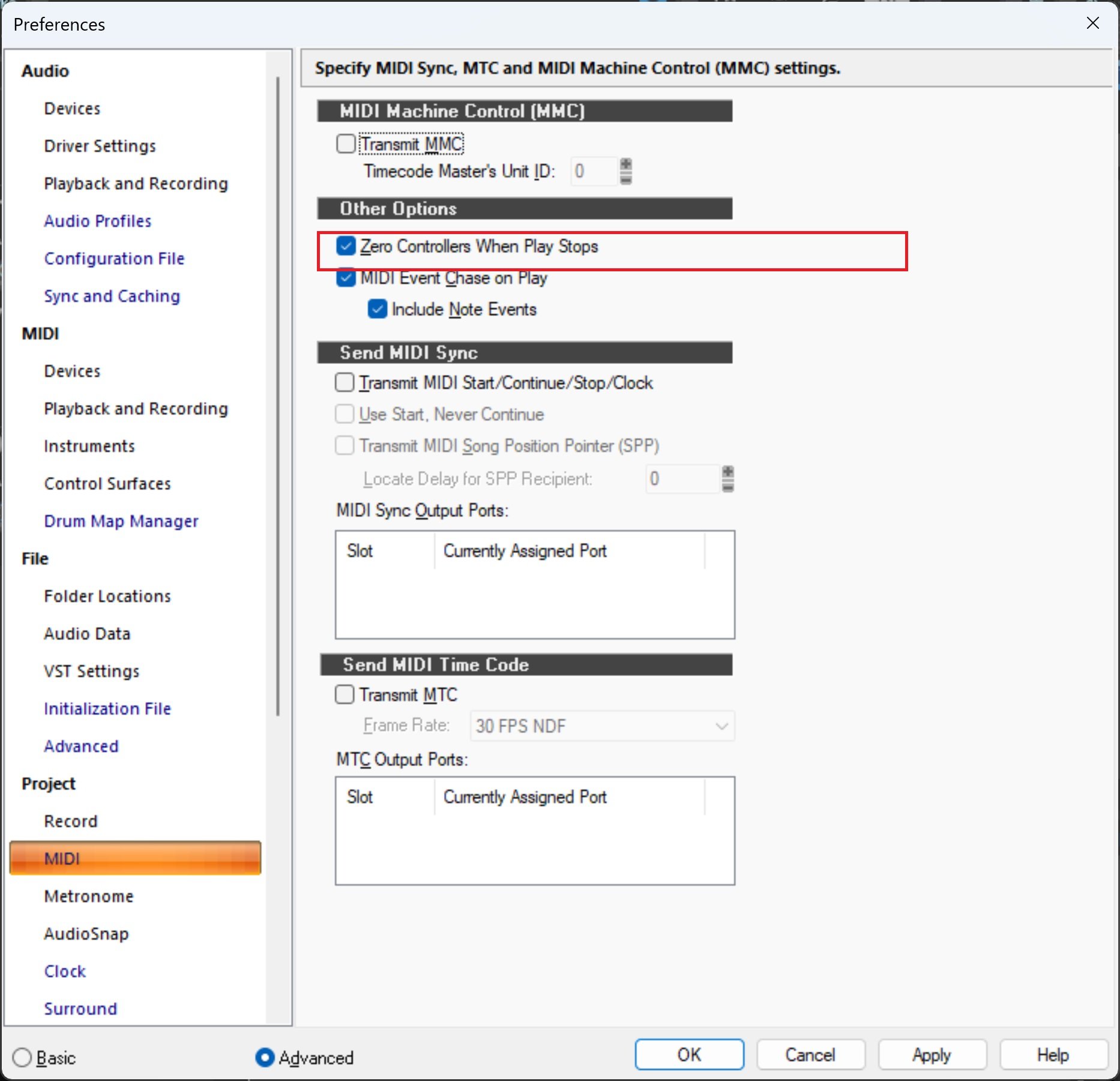
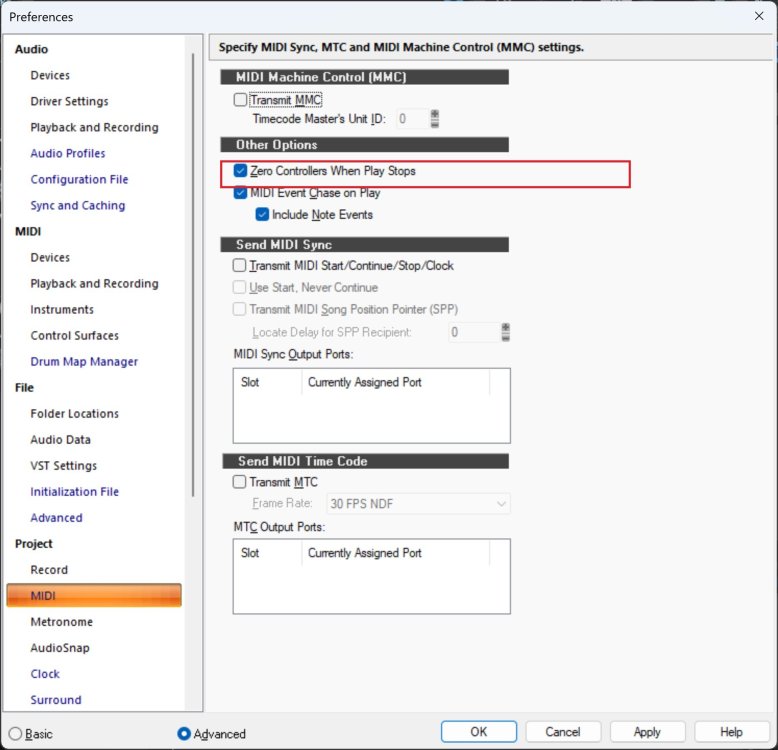
Have you got Zero Controllers When Play Stops checked?
-
Check your Windows settings. You cannot change the size of the UI in this version of Cakewalk.
-
Works fine here. Which parameter(s) are you trying to automate, and how are you trying?
-
Try WASAPI shared
-
Well, after much to-ing & fro-ing, I can safely say what you want doesn't exist
-
You can do that as well
-
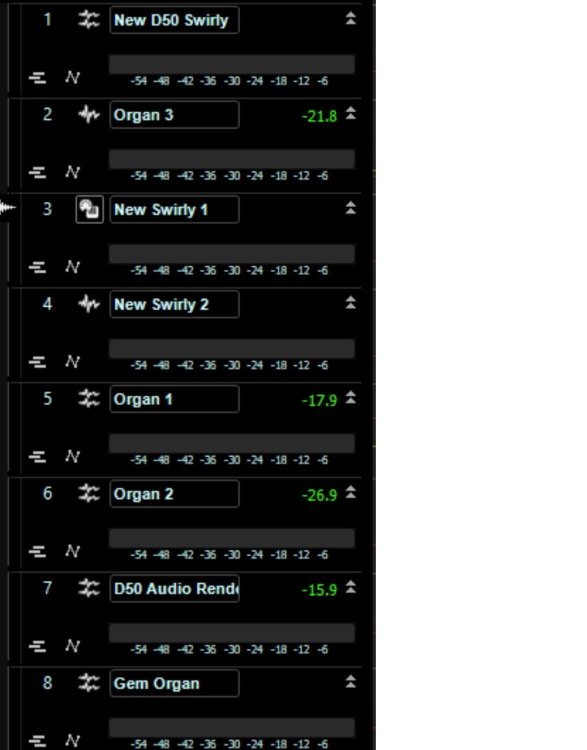
It's easy to configure CV just to show the faders

-
No, none whatsoever, at least with that specific case
-
Odd. What version of CbB are you using?
-
Wait and see
-
Use 2 monitors. Track View on 1, Console View on the other.
-
Just to rule out the obvious, is your mouse wired or wireless?
-
I'd start a new thread of your own. This one is 32 months old.