Bristol_Jonesey
-
Posts
1,343 -
Joined
-
Last visited
-
Days Won
2
Everything posted by Bristol_Jonesey
-
I see your point.
-

Question about using Inserts on Mixer?
Bristol_Jonesey replied to John Vere's topic in Cakewalk by BandLab
Sniff & break -
Melodyne Problem *** SOLVED
Bristol_Jonesey replied to Bristol_Jonesey's topic in Cakewalk by BandLab
Solved by upgrading to Version 5 -
Melodyne Problem *** SOLVED
Bristol_Jonesey replied to Bristol_Jonesey's topic in Cakewalk by BandLab
Email from Celemony support confirms "The problem is the CPU of your new system, as the code structure of Melodyne 4 is not optimized for Intel's new arising 11th and later CPU generation (Melodyne 4 has been discontinued for nearly three years now). Please take a look at our FAQ to get additional information: https://helpcenter.celemony.com/M5/faqs/?qOpen=299 You will need to update to Melodyne 5 as Melodyne 5 got a complete new code overhaul and is also prepared for the new CPU generations arising." -
The Art of MIDI Orchestration, by Jerry Gerber
Bristol_Jonesey replied to Jerry Gerber's topic in Production Techniques
Fascintating stuff Jerry. -
Melodyne Problem *** SOLVED
Bristol_Jonesey replied to Bristol_Jonesey's topic in Cakewalk by BandLab
Sounds like an excellent plan chaps!! -
Melodyne Problem *** SOLVED
Bristol_Jonesey replied to Bristol_Jonesey's topic in Cakewalk by BandLab
I'm thinking I might have to upgrade to 5, but does it work inside Windows 10 & 11? -
Melodyne Problem *** SOLVED
Bristol_Jonesey replied to Bristol_Jonesey's topic in Cakewalk by BandLab
Forgot to mention, this is Melodyne Editor, if that makes a difference -
Melodyne Problem *** SOLVED
Bristol_Jonesey replied to Bristol_Jonesey's topic in Cakewalk by BandLab
The VST2 path contains the file Melodyne.dll The VST3 path cotains the file Melodyne.vst3 Plugin manager is set to scan both (I can see them being accessed in the toast box) but not showing up in Region Fx -
Hi all I've decided to install Meolodyne 4 on my laptop I've downloaded and installed it, run the stand alone player and activated it. The standalone player runs ok. I Rescanned the paths in plugin manager but it's not showing up in Region Fx. All I see is Drum Replacer & VocalSync. I can see it scanning the Melodyne dll but no joy. Any idea what is going on? Thanks
-
Nice. Just caved in and bought it
-
It's official: CbB will not continue for long.
Bristol_Jonesey replied to John Vere's topic in Cakewalk by BandLab
Well that's not your call to make. The bakers will decide what is right for them AND for the user base. -
Best comment yet
-
Cakewalk Crashes When I Start A New Project
Bristol_Jonesey replied to Jackson's topic in Cakewalk by BandLab
Doubtful. It would probably break ? -
Export depth has nothing to do with recording bit depth. You should ideally have the latter set to 24 bit, not 16 32bit for exporting is fine
-
It's official: CbB will not continue for long.
Bristol_Jonesey replied to John Vere's topic in Cakewalk by BandLab
That might suit you but it won't suit a lot of people Of course, it could easily be both, but no doubt some will still find something to whinge about -
Is there a track delay feature in Cakewalk?
Bristol_Jonesey replied to Trevor's topic in Cakewalk by BandLab
Yep. It's still there in CbB -
question regarding the new update coming up
Bristol_Jonesey replied to greg54's topic in Cakewalk by BandLab
Totally agree with this. Why on earth he disagrees is beyond me -
ASIO Driver + FL Studio ASIO Driver
Bristol_Jonesey replied to kmanek's topic in Cakewalk by BandLab
And you need to uninstall ASIO4ALL. Get rid of it completely, including any registry entries -
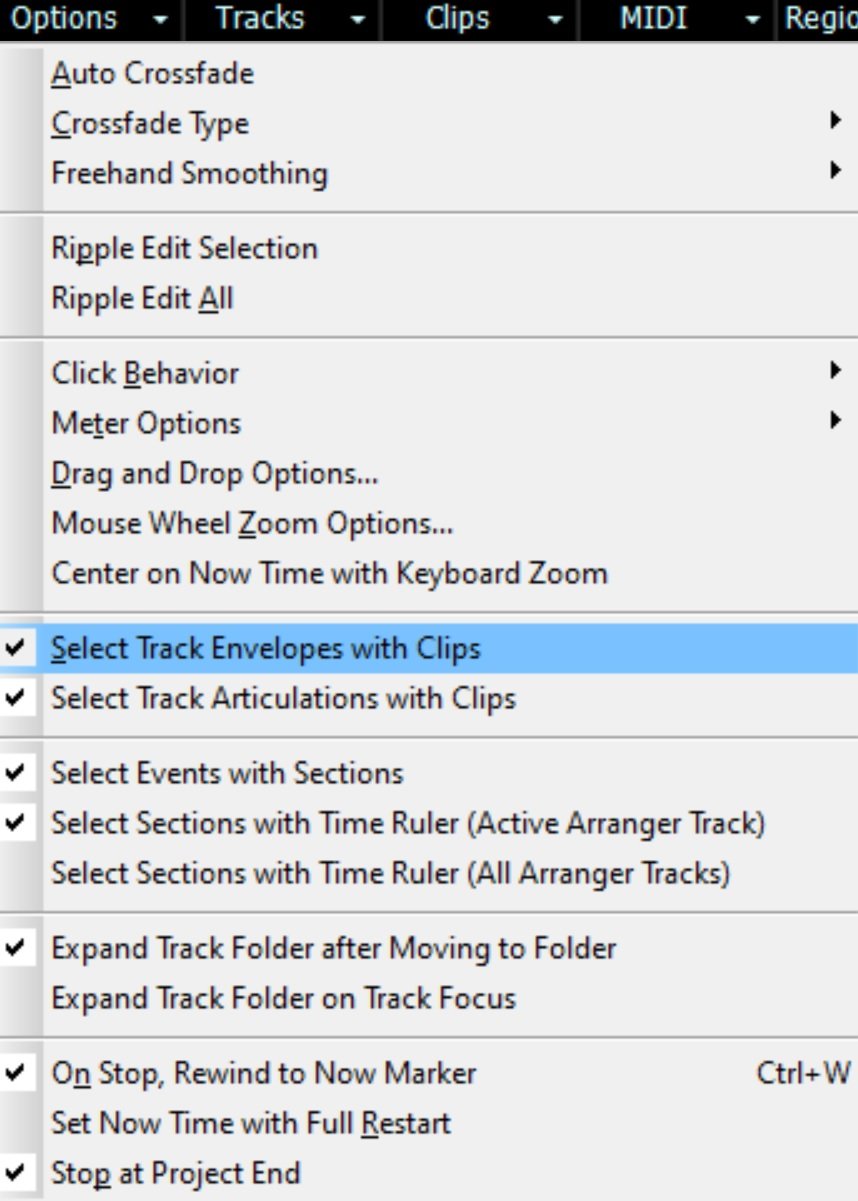
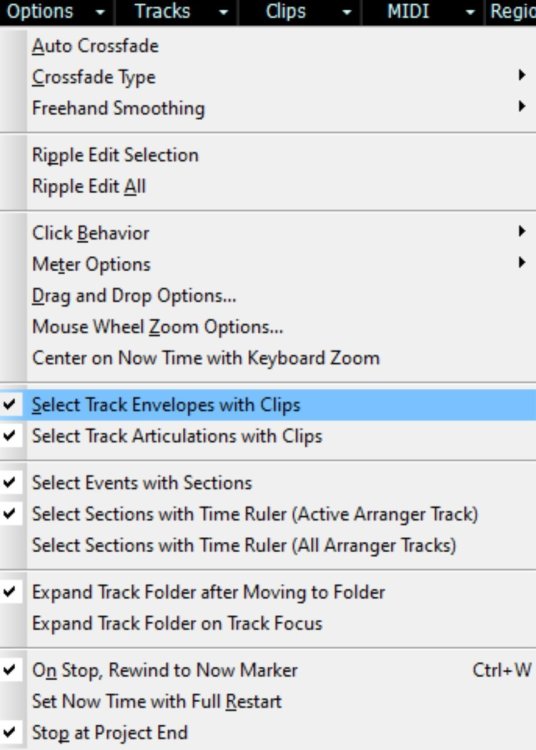
Pretty sure this is how envelope selection has always worked
-
question regarding the new update coming up
Bristol_Jonesey replied to greg54's topic in Cakewalk by BandLab
It's scary how you believe this with over 6.1k posts on this forum. -
Keni, what happens if you first freeze the vst, then move the generated clip(s) and then unfreeze? My only concern would be if unfreezing the vst causes the midi to return to its original time
-
Have you got this checked under Options
-
Ripple Edit should do it.
-
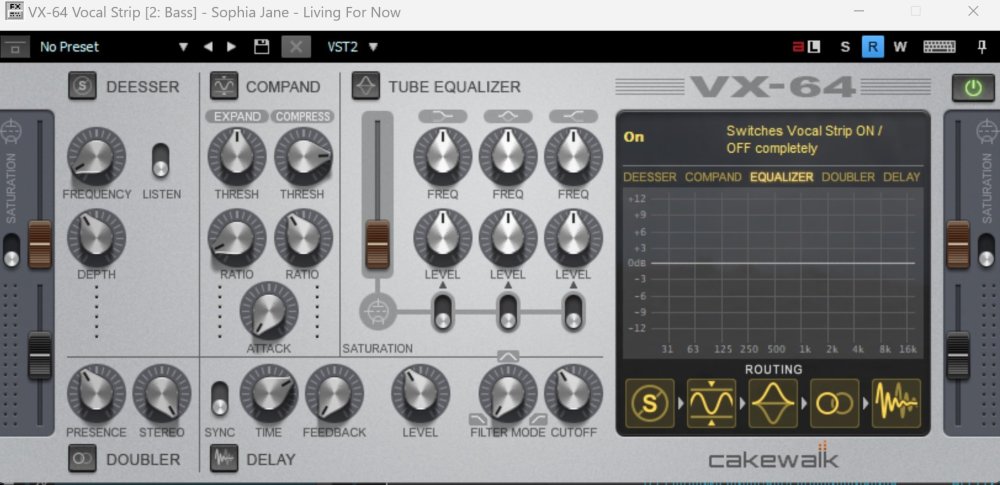
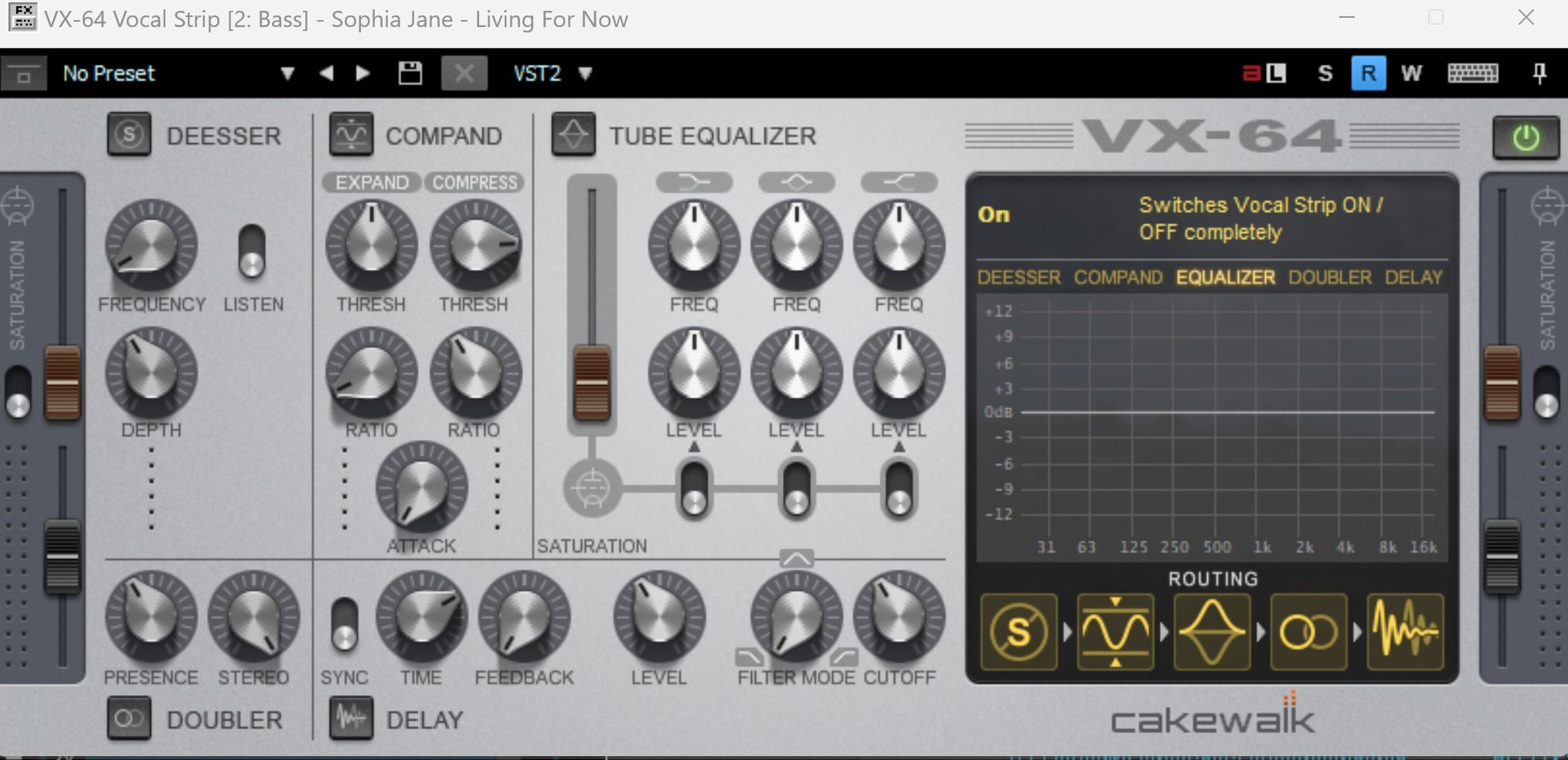
Minor correction - the VX64 IS included in CbB, it's just hidden by default. Goto the Utilities > Cakewalk Plugin manager and hit "Show Excluded" But it's hidden for a reason and may well cause instabilities on your system