tecknot
-
Posts
549 -
Joined
-
Last visited
Everything posted by tecknot
-
Sounds pretty cool. Congratulations, guys! Kind regards, tecknot
-
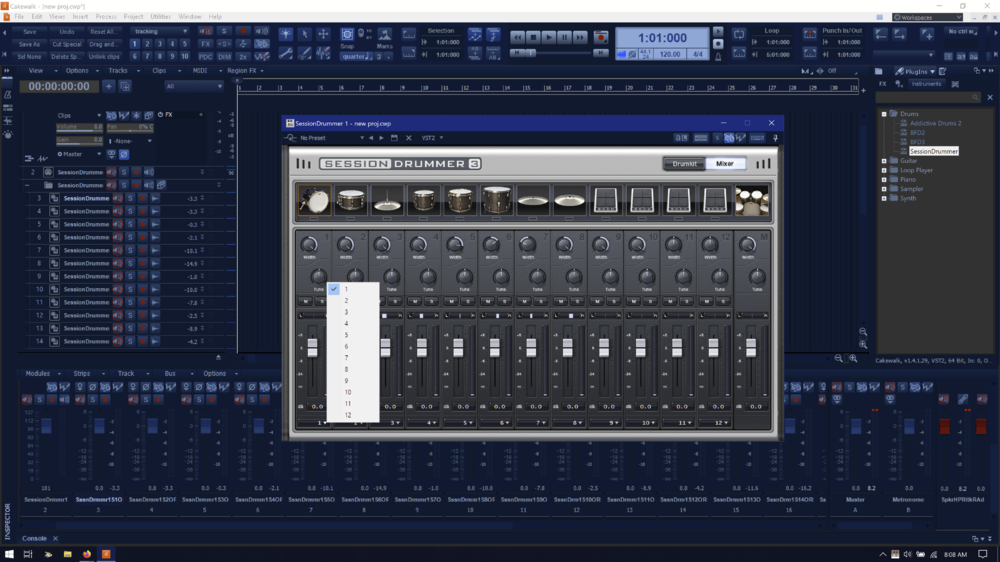
Hi Richard, In order to get your individual drum tracks to correspond to the drum kit pieces respectively, you have to go into SD3's Mixer and assign each channel strip output to a track (e.g. kick to track 1, snare to track 2, etc.) found at the bottom of each strip. See print screen below:
-
 Hi Arthur, If you turn on Snap, you can set it to snap to any increment (measure, quarter note, eighth note, etc.). You can also use Aim Assist (press "x") and the will tell you exactly where you cursor is along the ruler. Kind regards, tecknot
 -
Hi Gavin and welcome to the Cakewalk forums. You can edit a SS clip during playback. However, you cannot edit a MV clip on the fly. You must stop playback to edit/update the clip. Kind regards, tecknot
-
Don't you mean $149.99 At $49.99 I thought it was an offer I could not refuse. Kind regards, tecknot
-
Hi, You can do this by going to the Inspector (while the desired clip is selected) and go to Clip Properties. In the Length section, double the amount and then you should have the looped clips at twice the length. This is assuming you have already converted the clip to a groove clip (Ctrl+L). Kind regards, tecknot
-
Hi Jean and welcome to the Cakewalk forums. I believe you will have to take ownership of the parent folder and change permissions on subsequent folders in order to delete your duplicated files/folders. Kind regards, tecknot
-
[SOLVED] Can't hear my bass guitar well when recording.
tecknot replied to tdehan's topic in Cakewalk by BandLab
Hi tdehan, What kind of pickups do you have on your bass? If you have active pickups, then I would check or change the battery. Kind regards, tecknot -
Hi Volodymyr, Try pressing Ctrl+Tab to toggle through any open windows in Cakewalk. It's possible that the virtual controller is behind the Track View. If that doesn't do it, try setting Workspaces to none. Kind regards, tecknot
-
That looks like a graphic annomally.
-
I was glad to see the updated control bar when to new look of SONAR was released. However, I was greatly disappointed to find that we could no longer customize the control bar the way we could in previous versions. I wish they would bring back that level of customization, but after working with themes I am not sure it can be done. Kind regards, tecknot
-
Hi dwf2008, Why not convert your metronome audio track into MIDI? Kind regards, tecknot
-
You can add the Performance toolbar to any screenset or workspace, but you must save it in order for toolbars to persist. Kind regards, tecknot
-
Hi dwf2008, Unfortunately, the Custom module in the Control Bar is all you get to customize commands. Kind regards, tecknot
-
Hi Dev, You are seeing audio instead of MIDI because that is the way CbB is designed, so it is not a problem or an error. You can still edit MIDI in the source MIDI track. Kind regards, tecknot
-
Hi grannis, Unfortunately, the MV and SS run independently with no interconnectivity. Sounds like a good idea though. Kind regards, tecknot
-
Hi Jerry and welcome to the Cakewalk forums. My only guess is that there is volume automation on the track (or corresponding audio track). Kind regards, tecknot
-
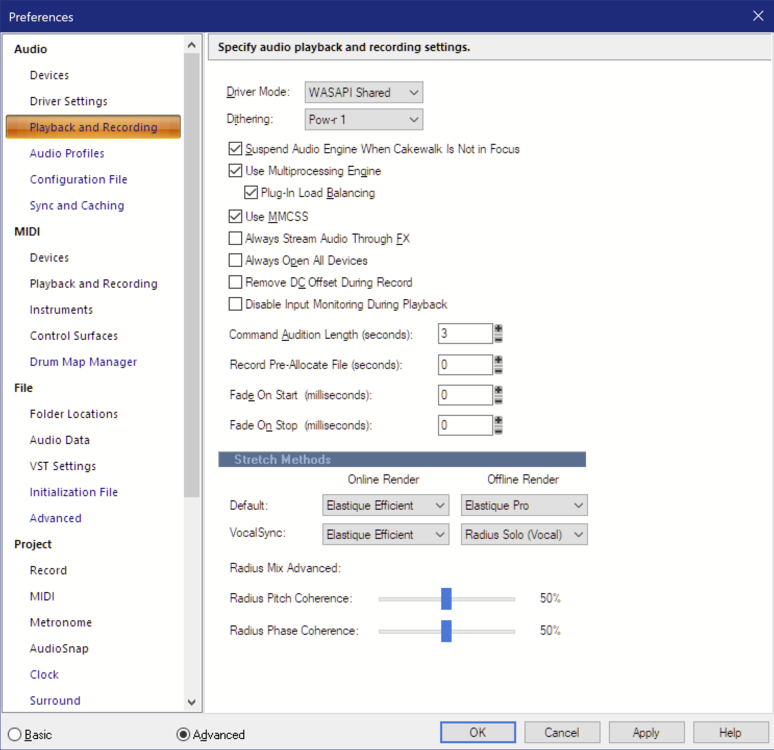
Hi wa7saka and welcome to the Cakewalk forums. What driver mode is your project currently set at? (see Edit | Preferences > Audio > Playback and Recording > Driver Mode) Kind regards, tecknot
-
Hi Stevie, The first thing that comes to my mind is your routing. I take it you have your drums on the MIDI track. Is that just a MIDI track or is it an instrument track? If the former then you need an audio track with the input set to the drum synth. This is just a guess. Can you post a screen shot which includes your routing? Kind regards, tecknot
-
Hi Carl, The Focusrite 2i2 does not have MIDI ports. Do you have any other MIDI device(s) connected to your laptop? Kind regards, tecknot
-
Steve beat me to it. Kind regards, tecknot
-
Hi Anton and welcome to the Cakewalk forums. Do you see any MIDI activity taking place in the meters when you press a key on your keyboard? If so, do you have Input Echo on? Kind regards, tecknot
-
Hi Dean, Do you want to hear/record the sounds of your Korg keyboard or hear the sounds of a virtual instrument (e.g. TTS-1)? If you want to hear the sound of your Korg, then you need to route the Korg's audio output into Cakewalk. If you want to hear another synth within Cakewalk, you must insert a virtual instrument first. You can then route the output of your MIDI track to virtual instrument. Insert an audio track and set its input as the virtual instrument. Make sure you have Input Echo set on in your MIDI track and from there you can hear the virtual instrument (provided you load a program into the virtual instrument). Kind regards, tecknot
-
Hi c13h21no3 and welcome to the Cakewalk forums. I would suggest that you drag and drop your samples into an audio track (rather than MIDI). Kind regards, tecknot
-
Cakewalk and Blackstar ID:Core Beam - driver/latency issues?
tecknot replied to Mark Baker's question in Q&A
Hi Mark and welcome to the Cakewalk forums, Do you have an audio driver for your amp? I would use your amp's ASIO driver, if available. (Don't bother with ASIO4All and the like.) Kind regards, tecknot