acewhistle
-
Posts
54 -
Joined
-
Last visited
Everything posted by acewhistle
-
Hi, Newbie guy here. Simple question, when saving a song track that will allow me to play with a backing track and hear the click track, what must I do to ensure I will get those results once I connected it to my mixer? Basically, I only want my click tracks and guides to be played via ear monitors but the backing track goes out to the main speakers. I'm trying to follow this kind of setup and wondering if there is something I must do first when saving a song track using Cakewalk, Hope that makes sense.
-
Right, finally solved it. Had to uninstall everything up to deleting the previous registry and re-install it again. I can finally hear what I want and it is playing everything I want to play. So finally manage to past this hurdle So baby steps for me at the moment but will eventually get this all familiar hopefully soon enough. Many thanks for all your support.
-
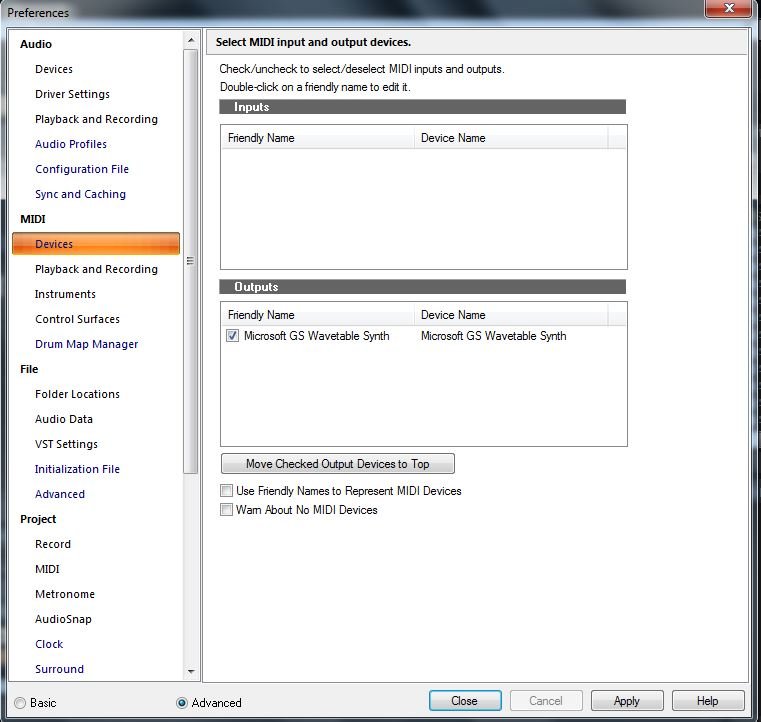
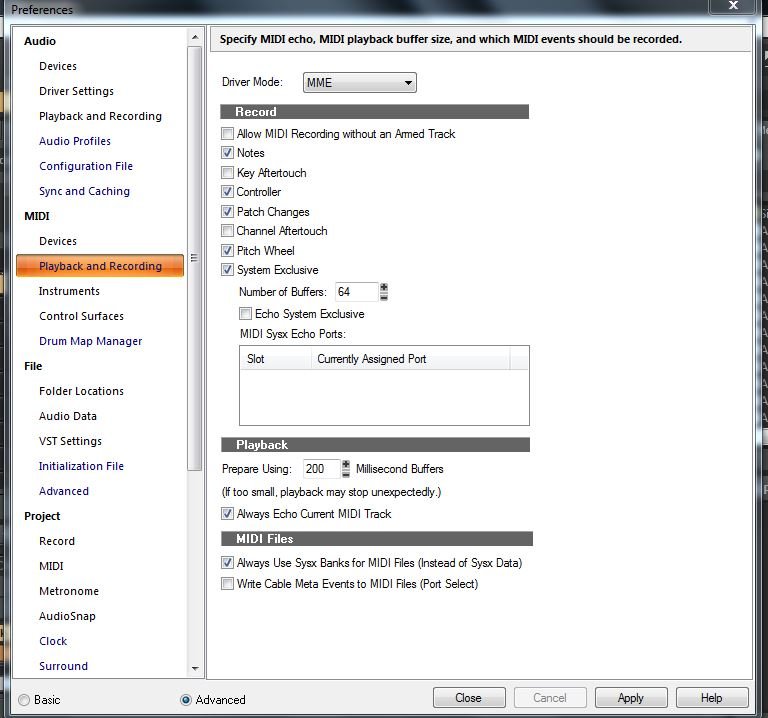
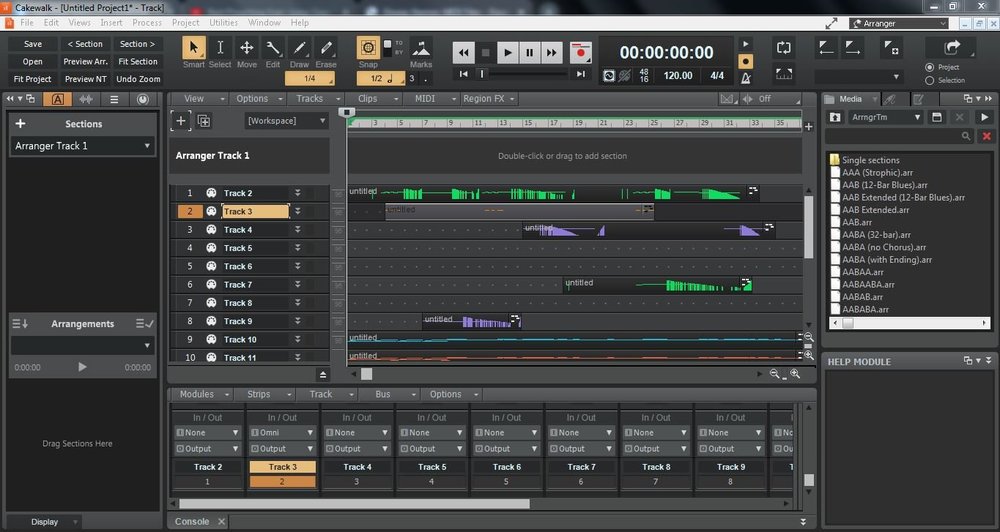
Hi Charles, I've downloaded a midi song from Google just like what suggested but sadly I don't hear any sound coming out from laptop speakers. I've attached some screenshots of my settings and not sure if any of these are causing a havoc. Many thanks.
-
Hi, I've been trying to export an audio either as a .wav/mp3 file but all I keep getting is an error message "Windows Media Player encountered a problem while playing the file". It is a test click track guide that I made as I am only starting to get familiar with the software. I've selected all the tracks from my project and choose "Entire mix" when I am about to save the file. Tested with other audio programs but no sound coming out at all. Any ideas pls? Many thanks.